Space to think.
Separate browsing into workspaces and switch between tasks.
An independent browser with workspaces, visual worlds and room to make the interface your own.
Download for Windows ↘0.9.0-beta.11 · x64 · 45.52 MB
Evaluation build. Unsigned installer; SmartScreen may warn.
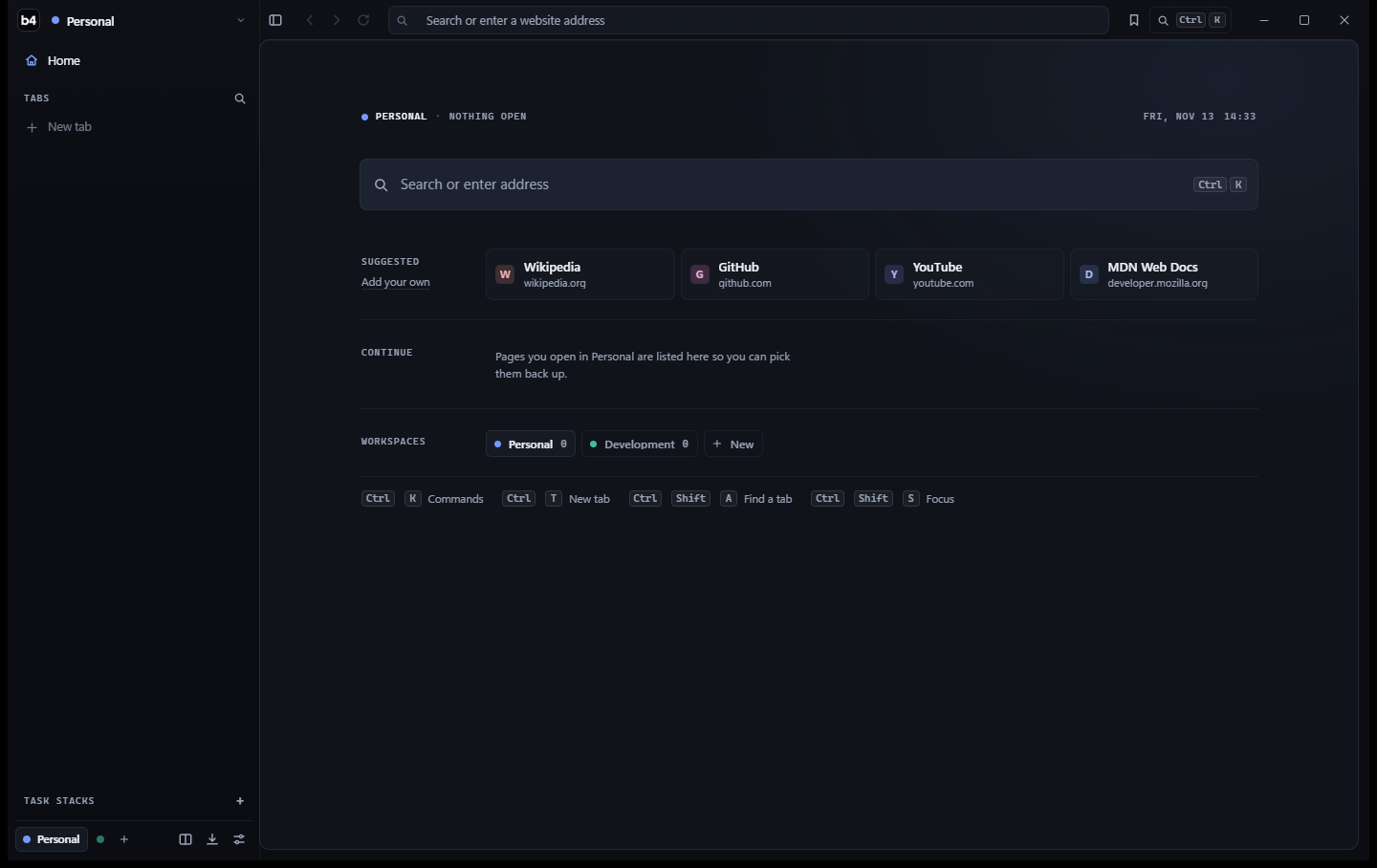
Explore genuine development captures. Select an appearance or a numbered marker to look closer.
Select a marker to explore the start page, or switch to Studio to see the appearance editor.
Move the divider between Obsidian and Prism. Two visual worlds, the same underlying interface.
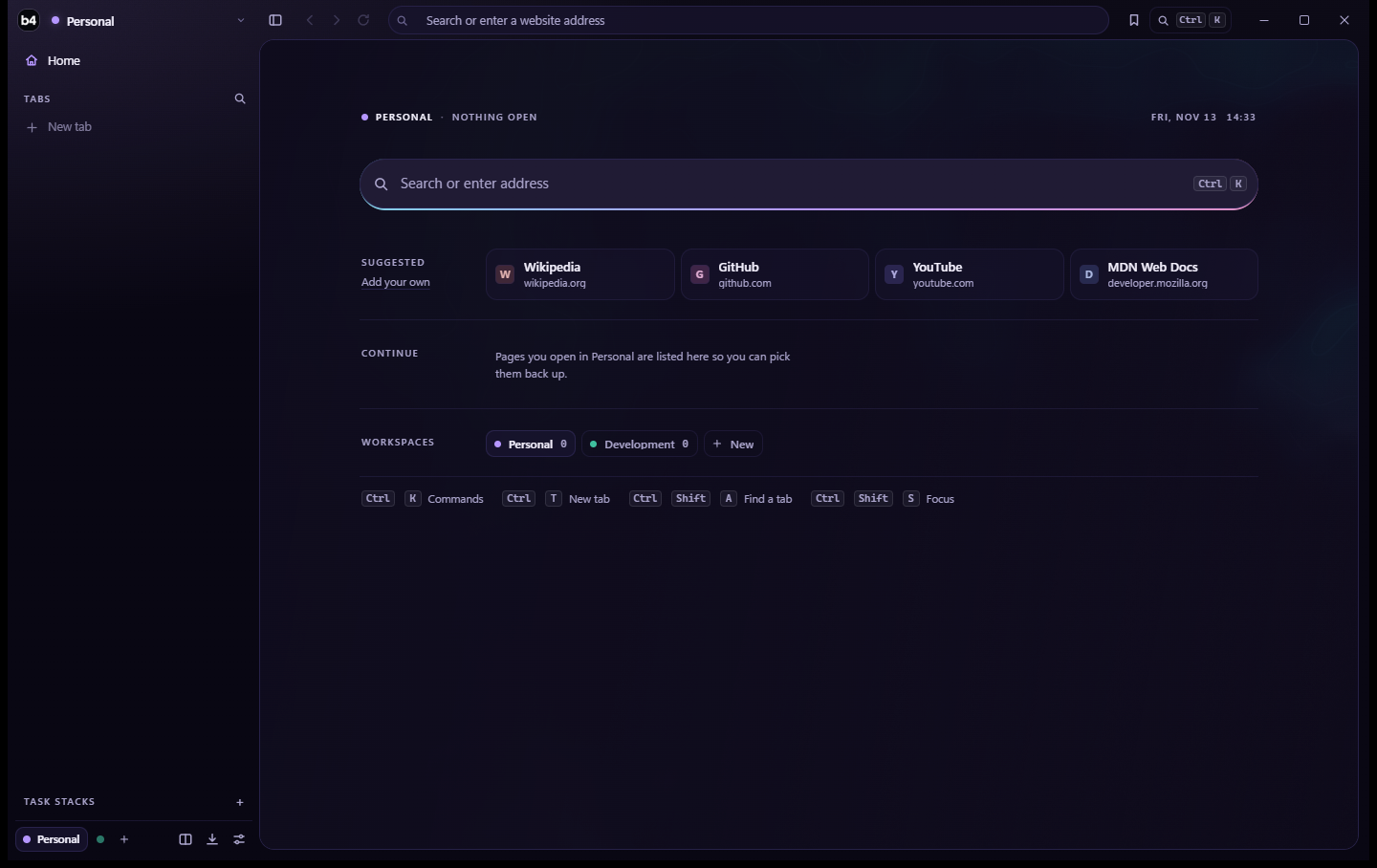
Studio offers supported appearance controls, including accent colour, spacing and corner radius.
Four ideas behind the browser, still being refined in the tester programme.
Separate browsing into workspaces and switch between tasks.
Eight Aether visual worlds and Studio customisation.
Eligible inactive tabs can sleep to reclaim memory, preserving history and state where supported.
Signed update manifests, package verification and rollback. You decide when to install and restart.
Diagrams are illustrative; genuine screenshots are shown above.
Multiple windows (drag a tab out and it keeps running), an address bar that completes as you type, crash recovery that brings every tab back, default-browser support, private windows, one-click Chrome Web Store extensions (uBlock Origin Lite, Bitwarden, Dark Reader…), one-click import from Arc, Chrome and Edge, and picture-in-picture when you switch tabs. Downloads now survive closing their tab.
Installer integrity and signed update integration checks also passed. Full compatibility and accessibility coverage remain incomplete.
Choose an installer or portable ZIP. Both are the same tester prerelease.
45.52 MB · .exe · Windows x64
Download installer ↘CA54D419264DEEC805F9AAFD7D8DAFC2D5FA8E7A259B255A74342A190F95900D60.67 MB · .zip · Extract before launching
Download ZIP ↘DB170662B4A8FC3661891A54CE96C87698CEA05FC83078D38A17C1A537ECA97BChoose a package. Check its SHA-256 to verify file integrity.
Use the installer or extract the ZIP. WebView2 is required.
Test with non-sensitive accounts and report problems.
Open Settings → About → App updates, check for updates and install when ready. Earlier builds without a configured update feed require the installer.
The binaries are not Authenticode-signed. A checksum verifies file integrity but doesn't establish publisher trust. If unsure whether a download is safe, do not run it.
The installer is recommended for new Windows x64 testers. The ZIP is the portable build.
No. This is evaluation software. Full compatibility and accessibility coverage remain incomplete. Use non-sensitive accounts and keep a stable browser available.